

Boost gives your property listing more visibility than a Standard Listing for one week. If you want it to continue beyond the first week, activate Auto-Boost and choose how many additional weeks you want the Boost to continue.
Auto-Boost starts after the initial one-week Boost ends.
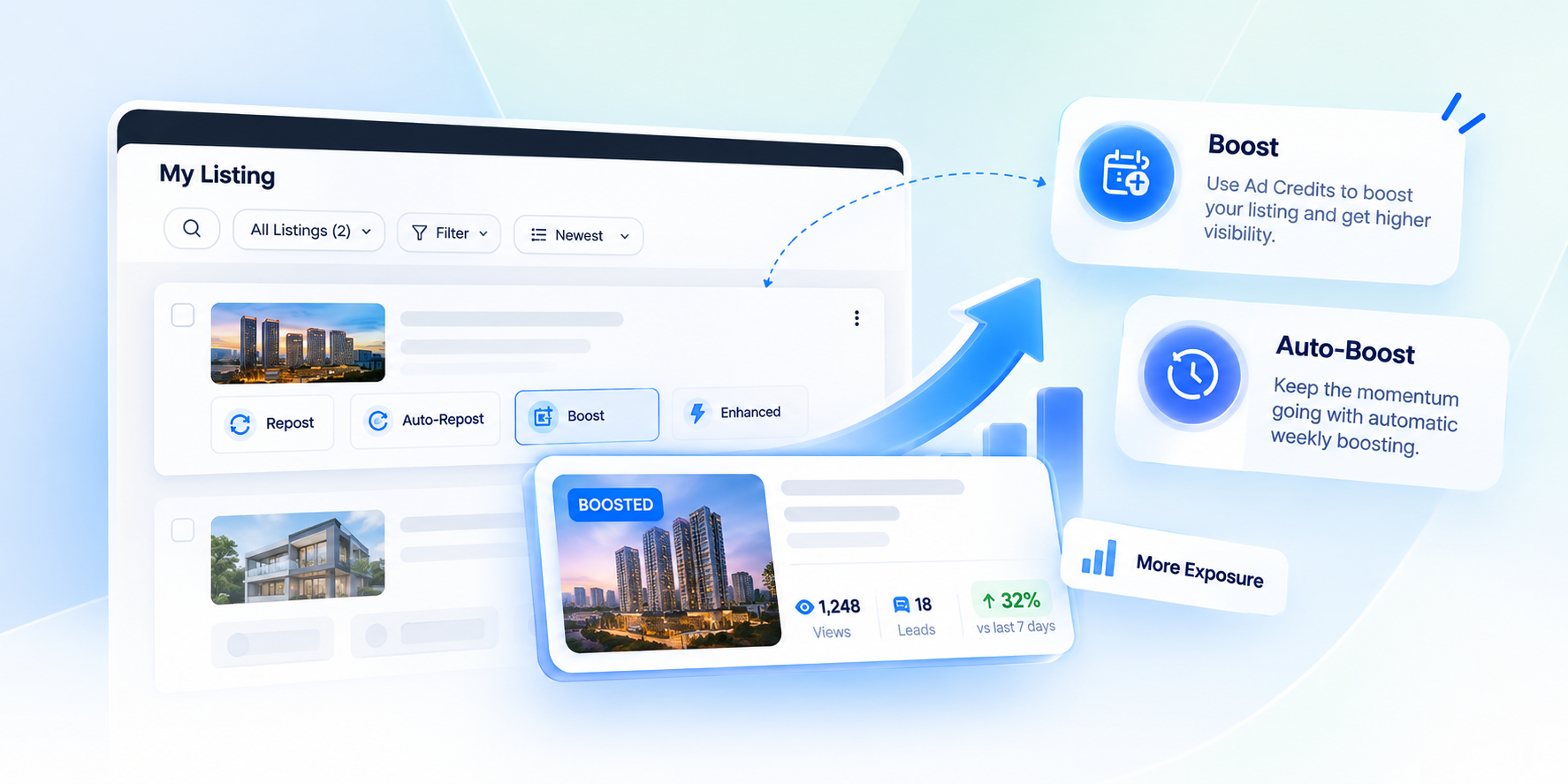
Boost Your Listing
What does Boost do for my listing?
While Boost is active, your listing gets:
- Higher ranking than a Standard Listing
- A larger property card
- An image carousel
- Your agent profile display
How do I activate Boost?
To activate Boost on an eligible listing:
- Log in to your AgentPro account.
- Go to Listing → My Listing.
- Find the listing you want to promote.
- Select Boost from the listing card.
- Review the Boost start and end dates and times, the listing expiry date and the required Ad Credits.
- Confirm to activate Boost.
Boost is available for eligible active For Sale and For Rent listings. Listings that are under review or declined are not eligible.
How long does Boost last?
Boost lasts for one week from the time it is activated.
How much does Boost cost and when are Ad Credits deducted?
Boost pricing is dynamic. Boost typically costs around 40–50 Ad Credits per week, depending on factors such as location and search demand. The exact cost will be shown before activation, and the credits are deducted once you confirm and activate Boost.
Can I schedule Boost to start later?
No. Boost starts when you confirm and activate it. You cannot schedule it to start at a later date or time.
Can Boost run with other PowerUps?
Yes. Boost can run alongside other PowerUps, including Repost, Auto-Repost, Enhance and Featured Agent.
If Boost and Enhance are active at the same time, your listing will be displayed using Enhance, as it is the higher-tier PowerUp. However, both PowerUps will remain active independently, and the Ad Credits used for each will still be charged.
Credits already deducted for an active PowerUp are non-refundable, even when another higher-tier PowerUp is applied. We recommend checking your active PowerUps before activating a new one to avoid overlapping Boost and Enhance unnecessarily.
Each PowerUp will continue to follow its own duration and expiry.
Can I Repost a Boosted listing?
Yes. Reposting refreshes the listing’s posting date and ranking within the Boost tier without affecting the active Boost. The Boost continues until its one-week period ends.
What happens when Boost expires?
When the one-week Boost ends, the additional Boost benefits end unless Auto-Boost continues the Boost. Your listing remains active if it has not expired, and any other active PowerUps continue according to their own duration and expiry.
Can I cancel Boost or get a refund?
No. Once Boost is activated, it cannot be cancelled, and the Ad Credits used are non-refundable.
Boost will also end if the listing is deleted, marked as sold or rented, or your AgentPro Membership expires. Any remaining Boost duration will be lost. If the listing is marked as sold or rented, any remaining duration cannot be transferred.
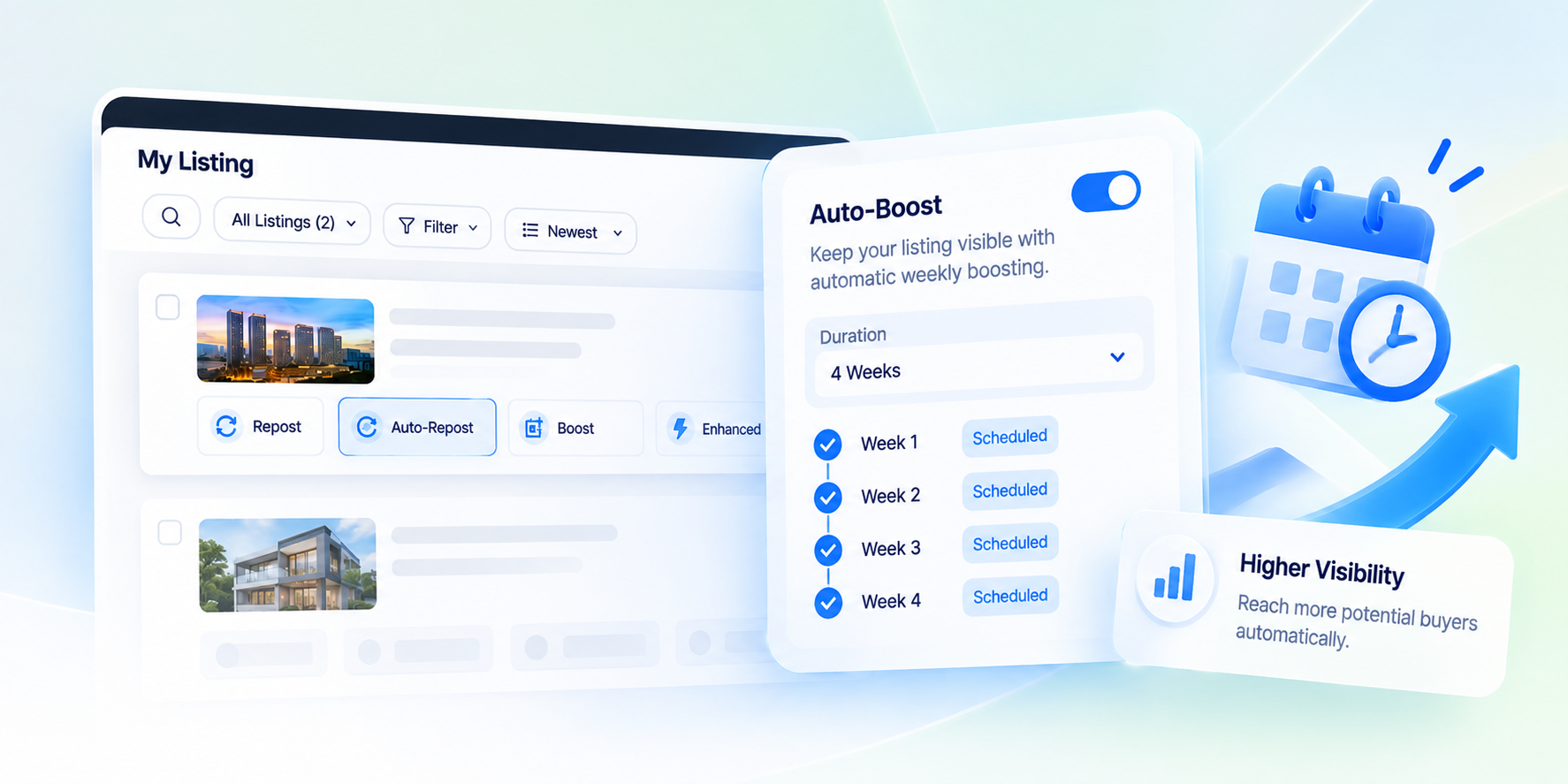
Auto-Boost Your Listing
How does Auto-Boost work?
Auto-Boost allows you to schedule Boost benefits for multiple consecutive weeks.
When activating Auto-Boost, you select the total number of weeks you want your listing to receive Boost benefits, including the initial week.
- 1 week: Your listing receives Boost benefits for one week only.
- 2 weeks: Your listing receives Boost benefits for the first week, then is automatically Boosted again for the second week.
- 3 weeks: Your listing receives Boost benefits for three consecutive weeks, with the system automatically applying Boost for the remaining weeks.
Auto-Boost runs automatically according to the selected weekly schedule, so you do not need to manually Boost your listing again each week.
How do you activate Auto-Boost?
While Boost is active, you can activate Auto-Boost to continue the Boost benefits for additional weeks:
- Log in to your AgentPro account.
- Go to Listing → My Listing.
- Find the listing you want to active auto Boost.
- Click the Boost button and select the number of weeks you want Boost benefits to run.
- Review the scheduled start date and time, end date and time, and required Ad Credits.
- Confirm to activate Auto-Boost.
Once activated, your listing will receive Boost benefits according to the selected schedule.
How long does Auto-Boost stay active?
Auto-Boost runs for the number of additional weeks you selected.
Can you change the Auto-Boost renewal frequency?
No. Auto-Boost follows a fixed weekly cycle. You cannot choose a different frequency.
Can you stop Auto-Boost before it ends?
You cannot turn off Auto-Boost yourself once it is activated. To request an early stop, contact MetProperty Customer Support.
Auto-Boost will also stop automatically if the listing is deleted, marked as sold or rented, expires, or your AgentPro Membership expires.
What happens when Auto-Boost ends?
After the final selected week ends, your listing loses the additional Boost benefits but remains active if it has not expired. Any other active PowerUps continue according to their own duration and expiry.
What happens if your listing expires during Auto-Boost?
Auto-Boost does not extend your listing’s expiry date. If your listing expires before the selected Auto-Boost period ends, Auto-Boost stops and any remaining scheduled Boosts will not be applied.
To refresh the posting date and extend the listing’s expiry, use Repost or Auto-Repost.
Can you Repost while Auto-Boost is active?
Yes. Reposting refreshes the listing’s posting date and its position within the Boost tier without stopping Auto-Boost. Auto-Boost continues for its selected period.
How are Ad Credits charged for Auto-Boost?
Auto-Boost costs 40 Ad Credits per additional week. Before confirming, you can review the total Ad Credits required for the selected period.
This total is not charged upfront. Instead, 40 Ad Credits are deducted each time a scheduled weekly Boost is successfully applied.
You can review your credit usage through Credit Consumption in AgentPro.
What happens if you do not have enough Ad Credits for Auto-Boost?
If you do not have enough Ad Credits when a weekly Boost is scheduled, that Boost will not be applied and no credits will be deducted. Auto-Boost will pause until sufficient Ad Credits are available.


